
 Язык
Язык
 English
 русский
 한국어
한국어 Deutsch
Отправить отзыв
Новости
 ГЛАВНАЯ / Новости / Новости отрасли / Руководство по покупке встроенного удлинителя: характеристики, меры безопасности и советы по установке
 Руководство по покупке встроенного удлинителя: характеристики, меры безопасности и советы по установке
 2026.09.09
 Новости отрасли
Кухонный остров в недавно отремонтированном доме уже имеет встроенный удлинитель, но в первое утро, когда вы подключаете чайник, тостер и две зарядные устройства для телефонов, недостаток конструкции становится очевидным: недостаточно розеток, а порты USB работают слишком медленно. В этом и заключается проблема выбора встроенного удлинителя, основываясь только на внешнем виде. Правильное решение начинается с того, как будет установлена лента, что ей нужно для питания и какие защитные функции не подлежат обсуждению. В этом руководстве на первом месте стоит практический вывод: перед завершением выберите количество розеток и номинальный ток, а затем проверьте защиту и характеристики материала.
Контент
- 1 Что на самом деле определяет встроенный удлинитель
- 2 Четыре проверки технических характеристик перед покупкой
- 3 Выбор материала определяет долгосрочную надежность
- 4 Функции защиты и безопасности, на которые стоит обратить внимание
- 5 USB-порты: удобство с защелкой
- 6 Рекомендации по установке на различные поверхности
- 7 Соответствие конфигурации варианту использования
- 8 Практическая последовательность покупок
Что на самом деле определяет встроенный удлинитель
Встроенный удлинитель не является особой категорией электроники. Это стандартный блок распределения питания, предназначенный для встраивания или установки заподлицо в поверхность. Этот термин описывает метод установки, а не внутреннюю схему. Встраиваемые модели используются на письменных столах, кухонных островах, конференц-столах и даже на полу. Основные характеристики остаются такими же, как у обычного удлинителя: количество розеток, номинальный ток, расстояние между розетками, а также наличие в устройстве портов USB или отдельных переключателей.
Преимущество встраиваемой модели в том, что она убирает беспорядок и предотвращает свисание кабелей по поверхностям. Риск состоит в том, что после установки заменить или модернизировать неправильно выбранный блок будет сложно. Каждая спецификация должна быть подтверждена до того, как будет сделан вырез.
Четыре проверки технических характеристик перед покупкой
Встроенный удлинитель годами сидит в вашей мебели или стене, поэтому процесс оценки должен быть сосредоточен на деталях, которые вызывают разочарование после установки.
- Текущий рейтинг и потребляемая мощность: Розетки европейского стандарта обычно рассчитаны на 16 А и 250 В. Для кухонного острова, на котором одновременно могут работать чайник, тостер и кофемашина, добавьте мощность каждого устройства. Если общая мощность превышает 3680 Вт, полоса будет неоднократно отключаться или возникнет риск перегрева.
- Расстояние между розетками и совместимость вилок: Адаптеры питания и вилки большого размера часто закрывают соседние розетки. Лента с вилками, расположенными дальше друг от друга, или расположение розеток под углом могут предотвратить блокировку всего ряда одним громоздким трансформатором.
- Выход USB-порта: Многие покупатели полагают, что для зарядки телефона достаточно любого USB-порта. Порт, который выдает только 5 В/1 А, будет заряжаться медленно. Полезная встроенная полоска для стола должна обеспечивать напряжение не менее 5 В/2,4 А на порт или поддерживать протоколы быстрой зарядки, распространенные в вашем регионе.
- Размер выреза и глубина установки: Полоса должна соответствовать толщине поверхности и пространству за ней. Проверьте размеры рамы, необходимую глубину выреза и выходит ли кабель через определенную сторону. Неправильные измерения делают невозможным защиту устройства.
Выбор материала определяет долгосрочную надежность
Материал корпуса встроенного удлинителя более важен, чем цвет. Чаще всего используются два пластика: ПК и ПП. Поликарбонат обеспечивает лучшую термостойкость и огнестойкость, что является наиболее важным свойством для планки, установленной внутри деревянного стола или шкафа. Полипропилен противостоит химическому старению, но менее эффективно удерживает тепло при длительной нагрузке.
Если ваше приложение предполагает постоянную высокую мощность, закрытый шкаф или значительные источники тепла, ПК является более безопасным выбором. Это не маркетинговое заявление; это измеримое материальное свойство. Взаимосвязь между термостойкостью, огнестойкостью и огнестойкостью удлинителей из материалов ПК подробно описана в нашей статье. техническая статья об огнестойкости материалов ПК .
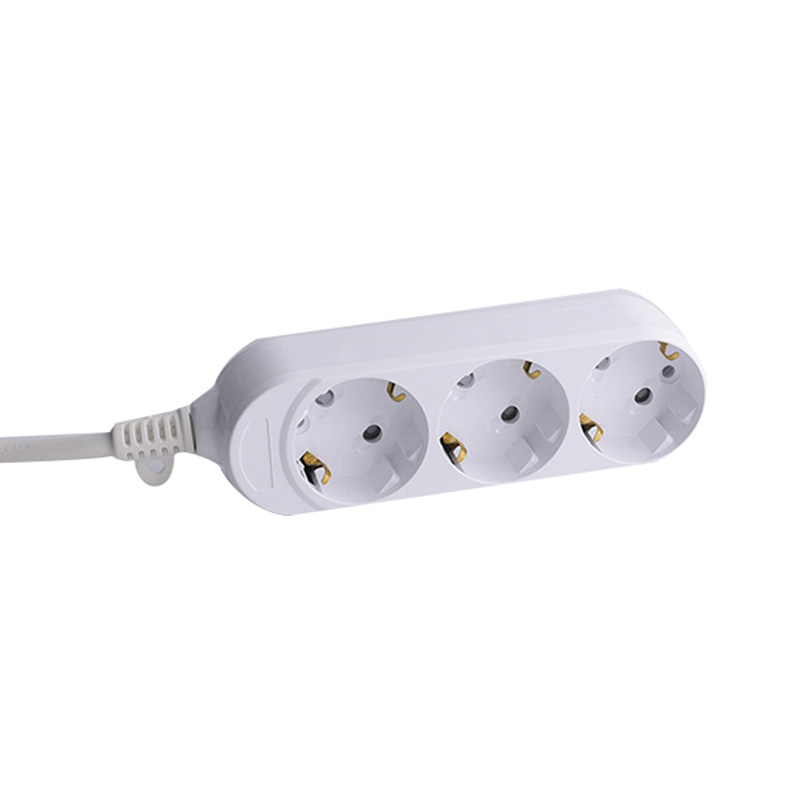
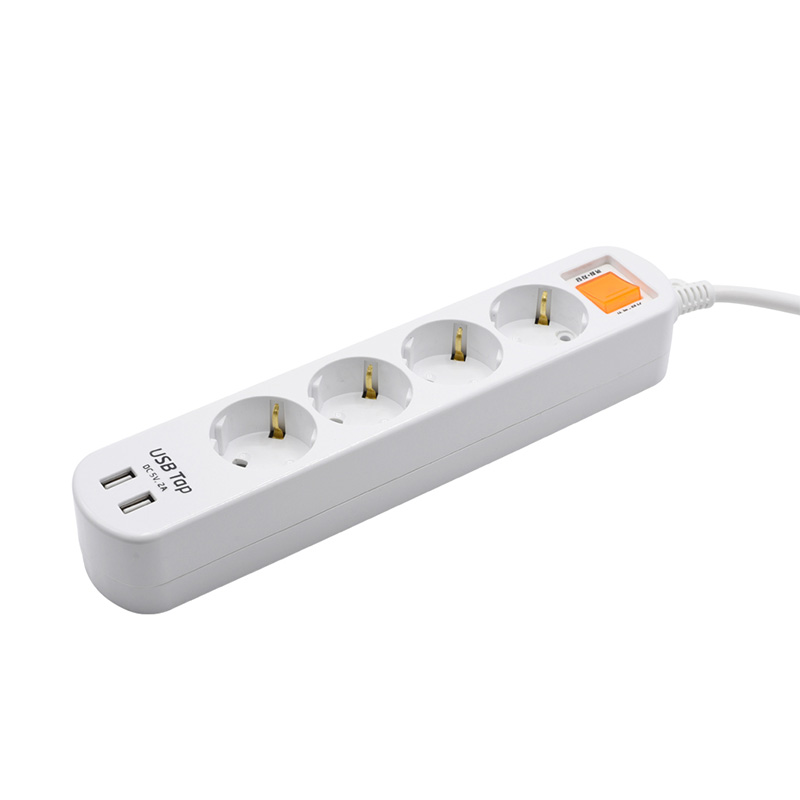
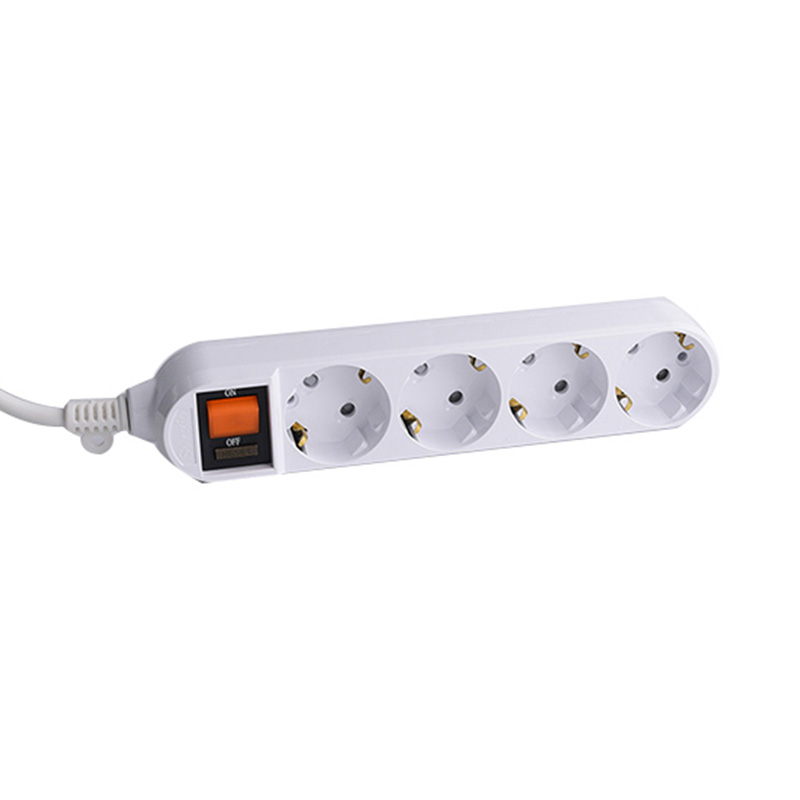 Удлинитель европейского стандарта на 4 розетки с защитой от перегрузки и корпусом ПК Эта модель оснащена четырьмя розетками европейского стандарта с номиналом 16 А и встроенным выключателем перегрузки, а также огнестойким корпусом ПК. Его медная проводка обеспечивает стабильную подачу электроэнергии, что делает его надежным выбором для стационарных мощных установок. Посмотреть продукт →
 Функции защиты и безопасности, на которые стоит обратить внимание
Встроенный удлинитель невозможно легко отключить, поэтому встроенная защита не является обязательной для стационарной установки. Надежная конфигурация имеет как минимум три защиты: защиту от перегрузки, отдельные выключатели и правильное заземление. Защита от перегрузки размыкает цепь, когда общий ток превышает номинальное значение. Отдельные переключатели позволяют изолировать одно отключенное устройство, не нарушая остальную часть полосы. Заземление является основным требованием для любого прибора с металлическим корпусом или трехконтактной вилкой.
Две функции, которые наиболее важны для встроенного использования, — это защита от перегрузки и независимый переключатель для каждой розетки, поскольку они позволяют предотвратить потребление энергии одним устройством, когда оно не используется. Вы также можете узнать, как удлинитель обнаруживает и сообщает информацию о неисправностях в техническая статья о функциях самодиагностики и сообщения о неисправностях .
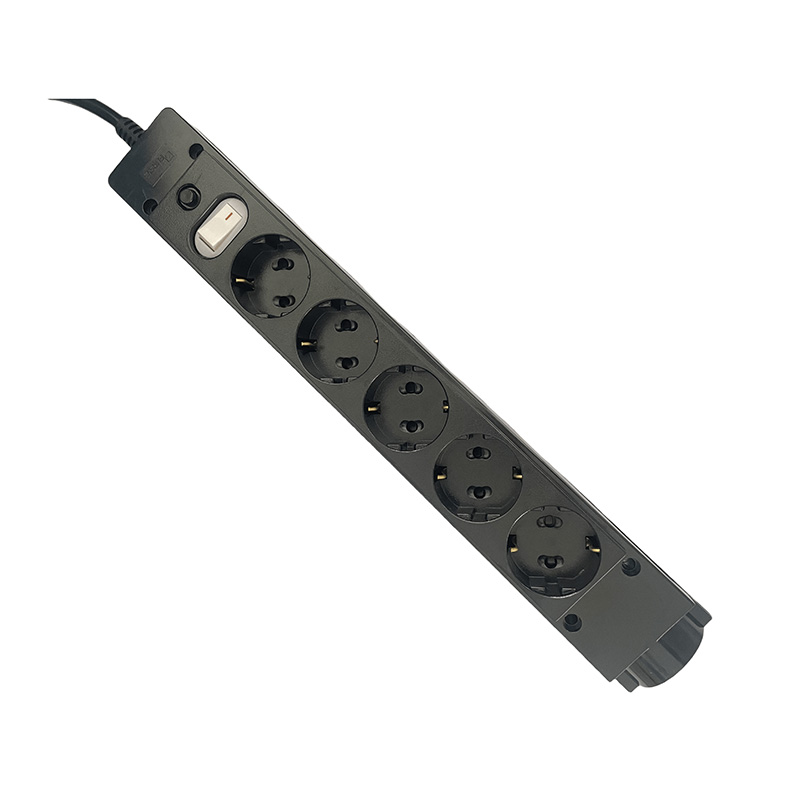
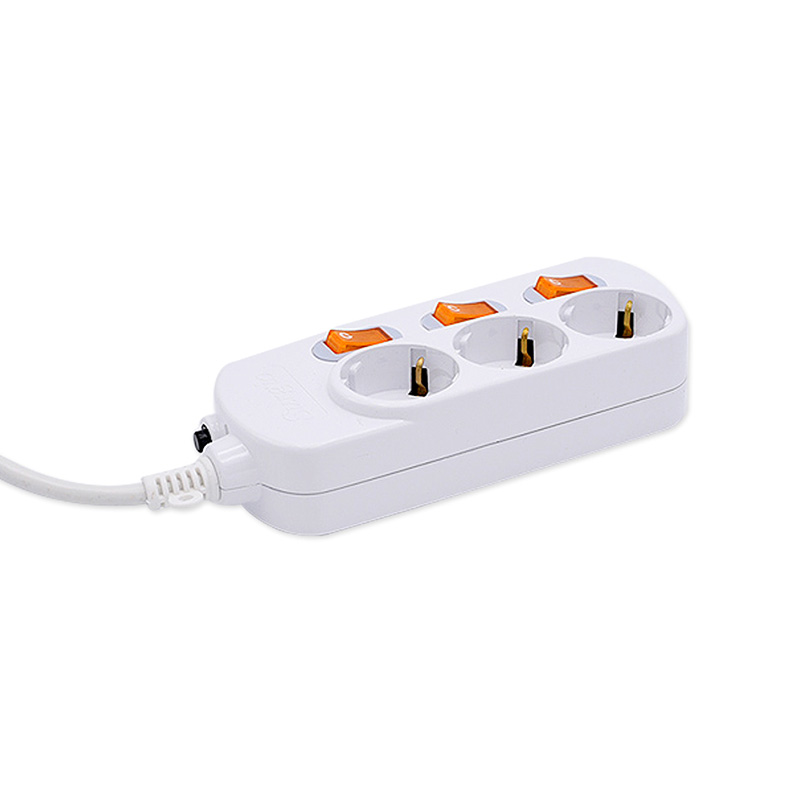
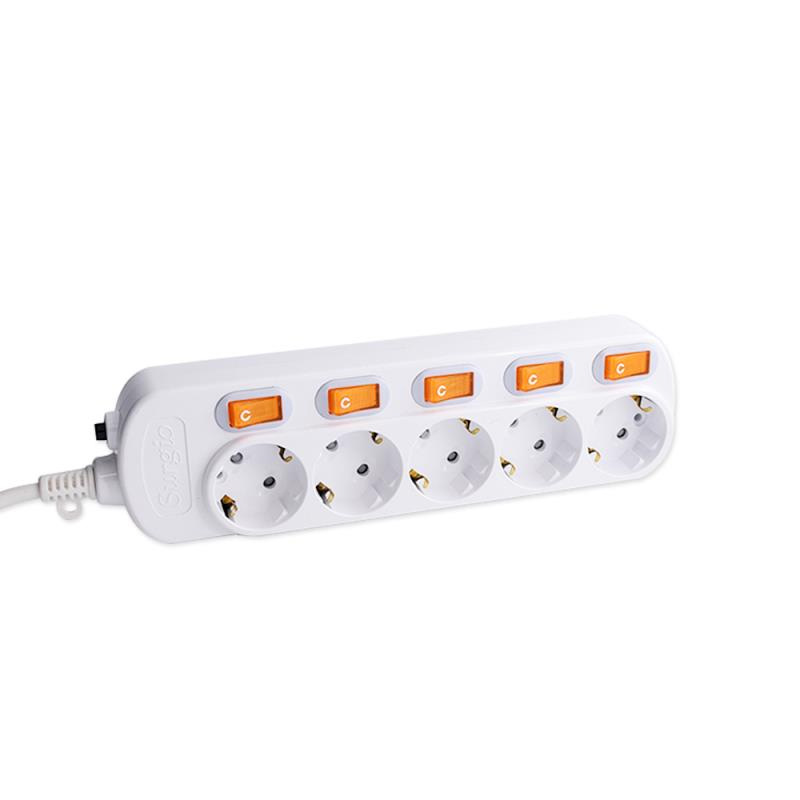
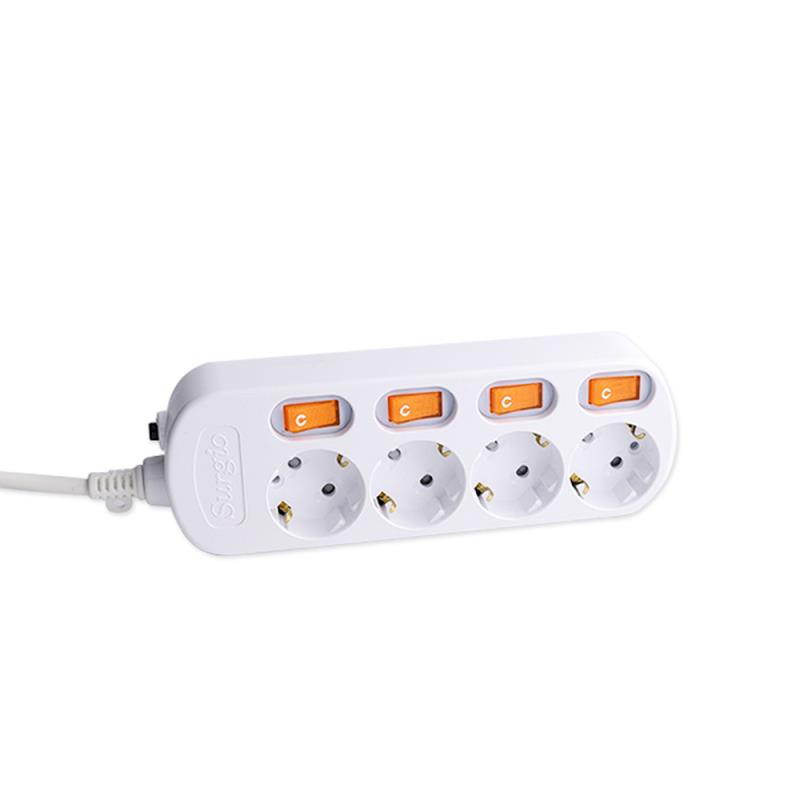 Удлинитель европейского стандарта на 4 розетки с индивидуальными переключателями и защитой от перегрузки Каждая из четырех розеток имеет собственный переключатель, обеспечивающий раздельное управление, а дополнительная кнопка перегрузки повышает безопасность. Огнестойкий корпус ПК и прочные медные внутренние детали подходят для встроенного использования, где ключевым моментом является независимое отключение. Посмотреть продукт →
 USB-порты: удобство с защелкой
USB-порты на встроенной планке удобны для письменных и прикроватных тумбочек, но создают скрытую стоимость: более быстрый USB-модуль увеличивает внутреннюю сложность и цену. Если вы заряжаете только телефон и планшет, двух скромных USB-портов вполне достаточно. Если вы питаете ноутбук, динамик и аккумулятор, требуемая мощность на порт будет выше.
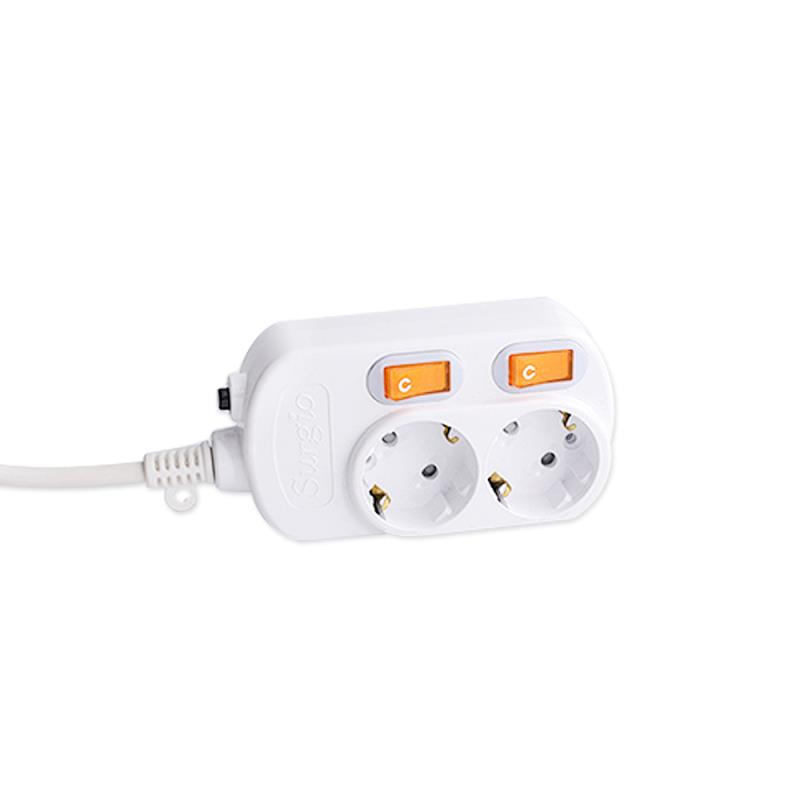
Для кухонного острова или рабочего стола полоса, объединяющая розетки с двумя портами USB и отдельными переключателями, справляется с типичным сценарием смешанной нагрузки, не теряя при этом места для розеток. Хороший вариант — розетка стандарта ЕС на 2 розетки с двумя портами USB и двумя отдельными переключателями, что позволяет портам USB оставаться активными без включения встроенного устройства.
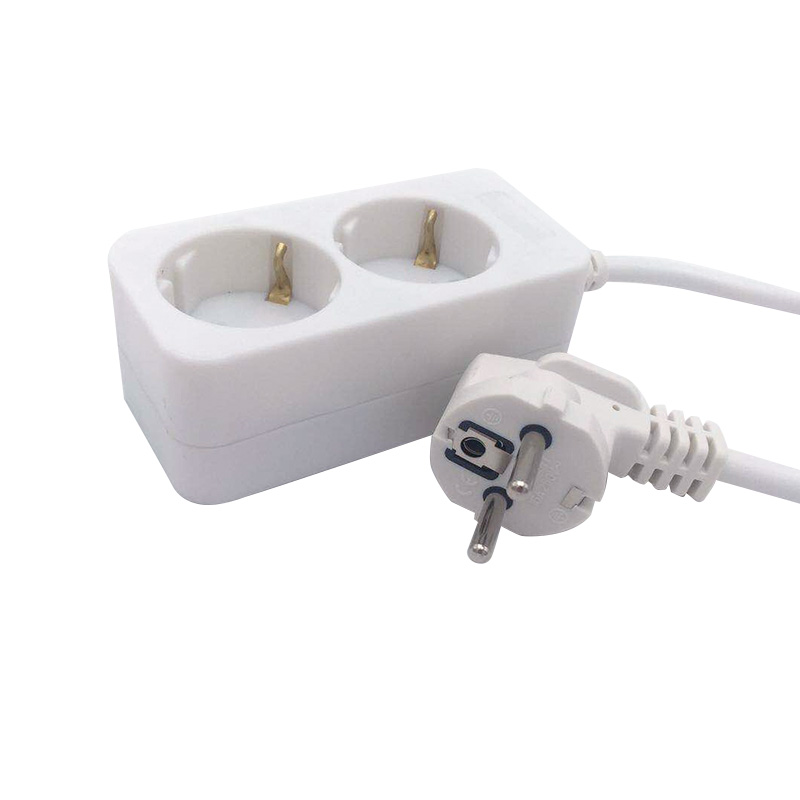
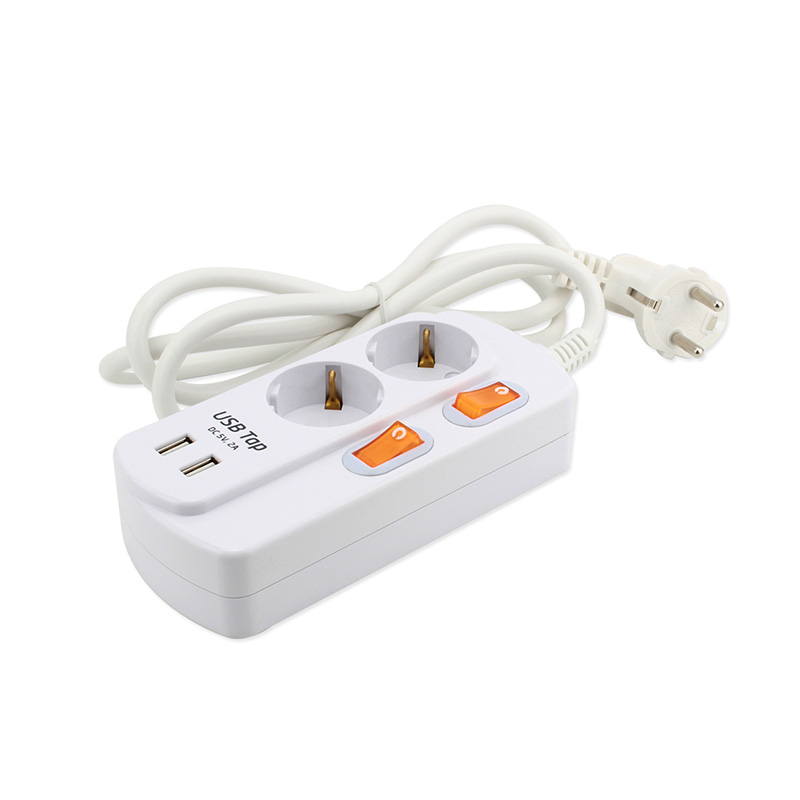 Удлинитель европейского стандарта на 2 розетки с USB-портами и отдельными переключателями Две розетки переменного тока и два порта USB, каждый с независимыми переключателями, обеспечивают гибкую зарядку и управление устройством. Его кабель длиной 1,5 м и огнестойкий корпус для ПК делают его практичным для столов или кухонных островов со смешанной нагрузкой. Посмотреть продукт →
 Рекомендации по установке на различные поверхности
Поверхность, на которую устанавливается полоса, меняет план установки. Самая распространенная ошибка при использовании стола — не оставить достаточно места для кабелей за панелью. Для встроенной планки требуется зазор не менее 40 мм, чтобы разъем кабеля мог выйти без защемления. На кухонном острове полоску следует располагать вдали от раковины и варочной поверхности, но достаточно близко к приборам, чтобы избежать длинных висячих кабелей. При напольном применении модель должна выдерживать предполагаемое пешеходное движение и противостоять случайным ударам.
В любом случае отходящий кабель следует проложить в центральную точку и закрепить так, чтобы его нельзя было выдернуть из полосы. Если для установки требуется большая длина кабеля, кабельная катушка может компенсировать провисание, обеспечивая при этом дополнительные розетки для временного использования.
Соответствие конфигурации варианту использования
Используйте приведенную ниже таблицу в качестве контрольного списка необходимой конфигурации, прежде чем сравнивать отдельные модели.
| Приложение | Рекомендуемая настройка | Приоритеты защиты |
|---|---|---|
| Рабочий стол для домашнего офиса | 3-4 розетки с 2 портами USB | Защита от перегрузки и индивидуальные выключатели |
| Кухонный остров | 4-6 розеток с 2 портами USB | Корпус ПК, защита от перегрузки, заземление |
| Конференц-зал/общественное место | 4-6 розеток, большое расстояние между розетками | Индивидуальные выключатели, огнестойкие материалы. |
| Тумбочка прикроватная | 2 розетки с 2 USB-портами | Независимые выключатели для телефона и лампы. |
Имейте в виду, что каждый производитель создает модели с разным сочетанием этих функций. Лучшее устройство для одной поверхности может оказаться не лучшим для другой из-за монтажной глубины и размеров выреза.
Практическая последовательность покупок
Начните с поверхности, затем переходите к электрической нагрузке. Прежде чем открывать любой каталог, измерьте доступное пространство для выреза и глубину за монтажной поверхностью. Затем определите ожидаемую нагрузку на устройство в этом месте. Умножьте ток наибольшей комбинации устройств на напряжение, чтобы подтвердить номинальный ток полосы. Только после этого сравнивайте характеристики безопасности: защита от перегрузки, независимые выключатели и материал корпуса. Если устройство проходит эти проверки, рассматривайте выход USB в последнюю очередь, поскольку эту функцию можно добавить позже с помощью отдельного зарядного устройства, но нельзя обновить после установки устройства.
Встроенный удлинитель обеспечивает удобство, но теряет гибкость. Блок с 4 розетками с защитой от перегрузки и независимыми выключателями является хорошей отправной точкой для большинства стационарных позиций. После того, как вырез сделан, изменение модели означает ремонт поверхности. Первоначальное решение должно быть основано на электрической реальности помещения, и вам следует выполнить все проверки перед завершением покупки.
ПРОДУКЦИЯ
КОНТАКТНАЯ ИНФОРМАЦИЯ.
- +86-18758062352
- +86-0571-64701616
- [email protected]
- Китай, провинция Чжэцзян, город Ханчжоу, городок Цзяньдэ, улица Синьаньцзян, дорога Синьцюй, д.7


 ТОП
ТОП